All The Things
In our most-popular course, All The Things, you will get in-depth yet simple systems for a more calm approach to productivity and easier task management.
⭐️ Join over 6,000 students ⭐️
In our most-popular course, All The Things, you will get in-depth yet simple systems for a more calm approach to productivity and easier task management.
⭐️ Join over 6,000 students ⭐️

Not only do you need to focus on the important things, you also can’t lose track of the little stuff which still needs to get done.
Which of these sounds less frightening?
Setting up a system that balances your list of all the open things to do so you can know which ones are most important, which ones are the right ones to do next, and which ones are even worthwhile in the first place.
Swimming the English Channel blindfolded. While being chased by sharks. Sharks with lasers.
Don't tell me. The second one, right?
Some folks think they have a better chance racing against laser sharks than they do of setting up a good productivity system. Clearly, as tasks build up, it can be a bit overwhelming.
Good news is that you’re not alone. It seems just about everyone is drowning in tasks (no pun intended). Did you know...
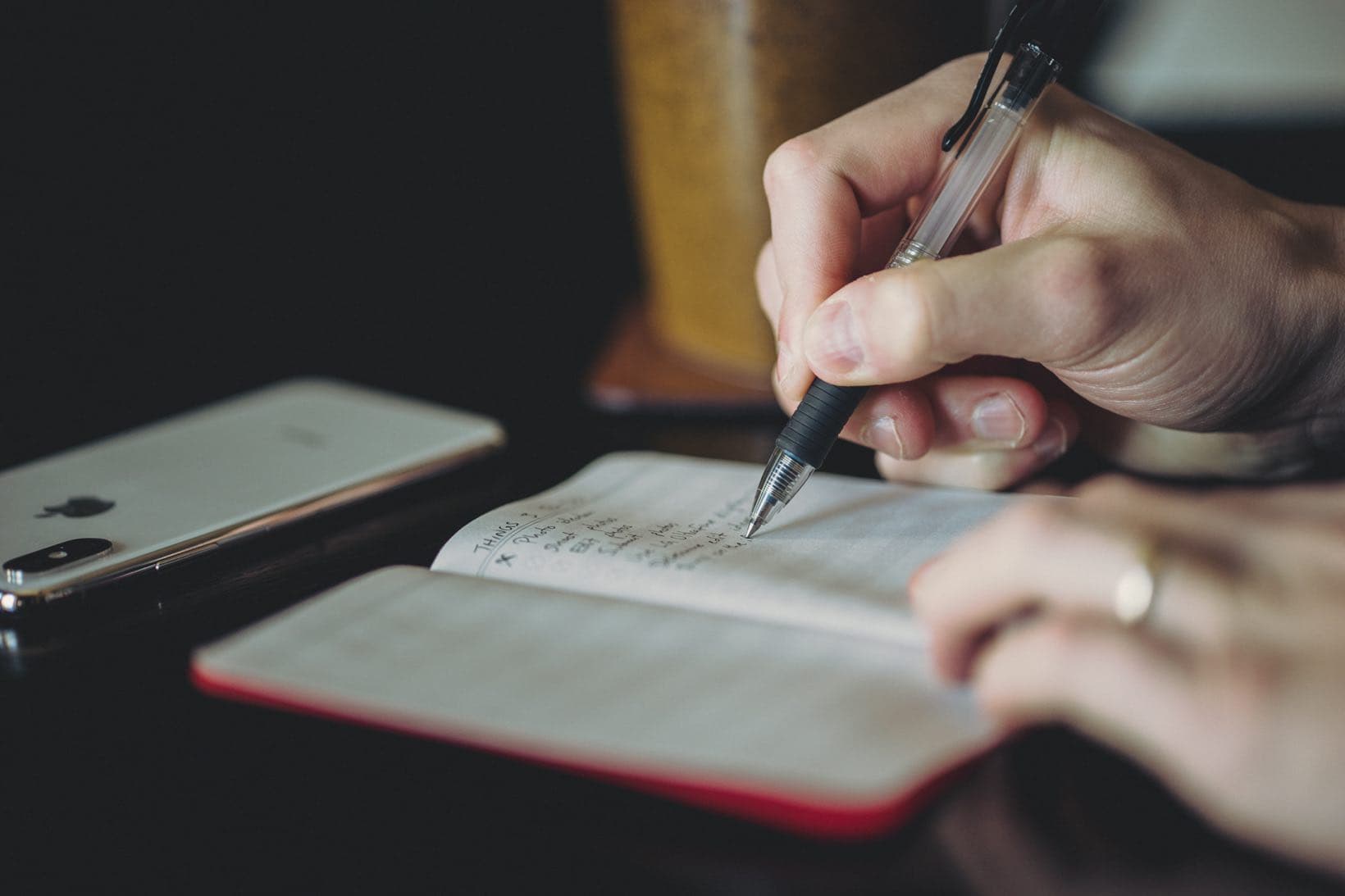
Yep. We asked more than 2,000 people if their day is spent mostly on busywork or important work. And guess what? The majority of people said busywork.
Which means two things...
People everywhere feel overwhelmed with all the things they have to do.
Those people spend most of their day unable to get to the important work.
And frankly, that sucks. It means you're swimming against the tide, not making any progress at all.
Jocelyn K. Glei
Author and Podcaster
There are a lot — and I mean a lot — of options available in this golden age of getting stuff done.
But none of them have the same degree of polish and delight that you will find in Things 3.
A few years back, Things 3 won the prestigious Apple Design Award. This app is a perfect combination of powerful organization underneath a simple design. Things 3 is easy to use for the most basic of lists, yet powerful enough for the most ambitious and busy amongst us.
Things 3 provides all the features you need to be more productive while still maintaining a simple interface that limits distractions so you can focus on accomplishing the task at hand.
The reason I’ve grown so fond of Things is that it helps me to set it and forget it.
"Shawn has taken his approach to meaningful productivity and made it accessible for life. With helpful tech tips as well as analog insights, my goals all just got a huge boost! I simply can't believe the amount of value and content in this course. It was so good I binged it like Netflix."

Matthew Candler
Husband and father
Press the button below to get instant access to the full course with more than 40 lessons...
This productivity course has two parts…
Tools and apps are only half the equation. The heartbeat of this course is the series of videos on goal setting, productivity systems, and more.
This is where the real magic happens...
In Part 1, you will discover our best practices, templates, personal systems, and more for managing your tasks and being productive.
Note: What you will discover in Part 1 are ideas and workflows that you can use no matter which app you use (from Things, to OmniFocus, Todoist, or even a physical journal).
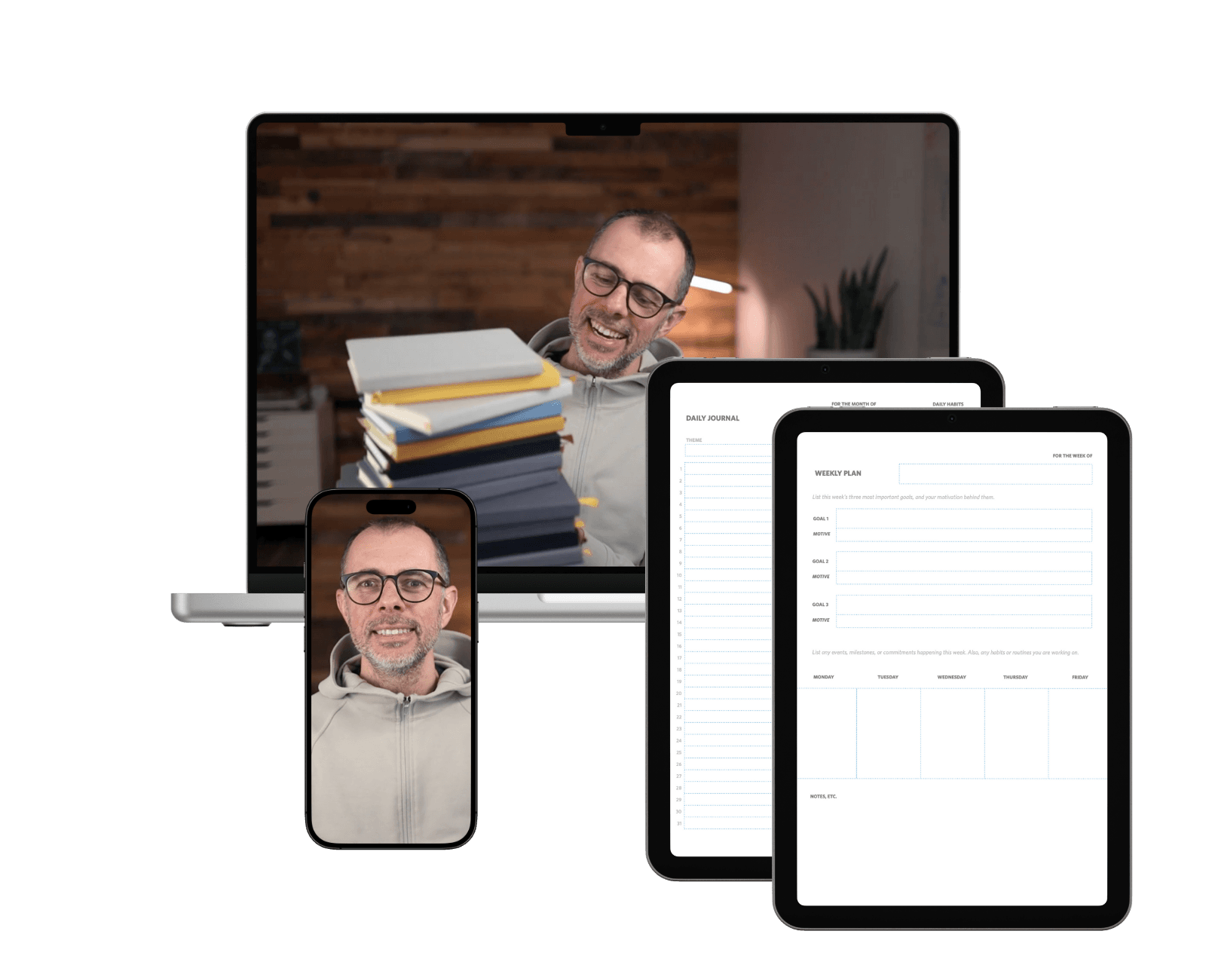
Here you will get a complete video walkthrough of the Things 3 app suite. We will show you everything you need to take full advantage of this app on iPhone, iPad, and Mac.
Your Focus Guide
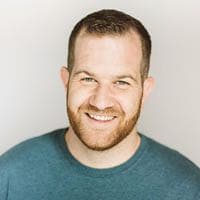
👋 Hello. My name is Shawn and I am honored to be your host and guide through All The Things!
I’m a productivity coach to entrepreneurs and leaders. I live in Kansas City with my wife and our three boys.
For over 20 years, I have been learning and teaching about focus and margin. I’ve spoken about these topics at conferences and workshops; I've taught them to private groups and one-on-one clients; and my online courses have helped tens of thousands of people since 2015.
♥️ Married for 20 years, and we have 3 boys. Send pizza! 🍕
I used to work 80 hours per week. And even with all those hours, I still felt behind with my never-ending issues at work! I kept thinking I would eventually get ahead but of course I never did. There was always more...
Eventually I quit that job to begin working for myself. Yet I still kept chasing my to-do list. I never felt satisfied at the end of my work day; there was always more to be done. Work was always on my mind.
When my first son was born, I realized that I needed do to better. I didn’t want my work life to dominate my time. But, at the same time, I still had a strong desire to do meaningful work.
These seemingly-opposing forces shouldn’t have to fight one another. I knew it was okay to have a thriving work life while also having an awesome personal life.
I have spent years figuring out solutions related to focus, productivity, and time management.
I’ve examined my own habits, studied many other solutions, and rigorously tested different approaches over and over again. And I have worked hard to create a lifestyle that is conducive to doing my best creative work without sacrificing my personal and family life.
What you will learn inside All The Things are the same methods, ideas, and frameworks that have allowed me to grow a thriving business, do meaningful work I’m proud of, and give time to myself and my family.
As part of All the Things, there are 6 interviews with busy folks like you and me — writers, managers, entrepreneurs, creatives, moms & dads — who have an ability to stay focused and productive. We discuss topics and examples related to managing tasks, staying focused, keeping work and life in
balance, and more.
How to work free from distractions
with Jocelyn K. Glei

The most common productivity pitfalls
with Erik Fisher

Managing your tasks and your time
with Mike Vardy
How to balance work and life
with Havilah Cunnington

How to stay organized
with Ben Brooks
How to stay focused
with Anthony Ongaro
✓ Lifetime Access
✓ Productivity Lessons
✓ Productivity Templates
✓ Expert Interviews
✓ Things 3 Screencasts
✓ Things 3 Setup Interviews
✓ Lifetime Access
✓ Productivity Lessons
✓ Productivity Templates
✓ Expert Interviews
X Things 3 Screencasts
X Things 3 Setup Interviews
Please take a month to check out the class. If, for any reason, you’re not completely satisfied just let us know and we’ll be glad to give you a full refund. No questions asked. It’s zero risk on your part.
"Shawn gets it. And best of all ... he can help you get it, too. I found this course to be affirming and helpful."

David Sparks
Cohost of Mac Power Users
Self-Paced training. Every productivity video, screencast tutorial, interviews, and workflows for Things 3. Also includes transcripts, downloadable videos, and productivity templates.
Discover a new, liberating mindset toward productivity that allows you to focus on giving your time to the things that are most important.
Discover how to combine digital and analog tools to stay focused day to day and keep from being overwhelmed by an overflowing inbox.
There is a simple approach for ensuring you spend your time each day doing the single, most-important things.
Using a journal to track your regular progress can have a huge impact in building momentum and focus.

Discover a simple way to schedule your daily tasks in order to maintain focus and breathing room in your day.

A simple and regular review session will help you stay focused and accomplish your goals.

The symptoms (and solutions) to a broken productivity system.
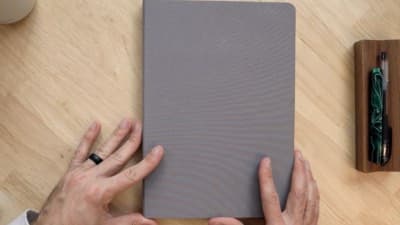
A detailed walk through of how Shawn sets up his weekly and daily schedule in his notebook.
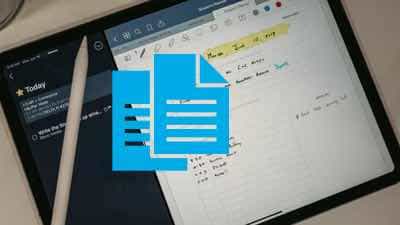
PDF files for my custom Monthly Habit Tracker with Daily Journal, Monthly Planner, Weekly Planner, Daily Planner, and Weekly Review.

Ryan Holiday
Best-Selling Author
You use Things (or would like to start using it) for task management. This is our favorite productivity app, and we want to show you how to get the most out of it.
You don’t use Things for task management, but you want to get an in-depth look at our best productivity workflows and more. (Good news: The Pro tier of All The Things covers our best practices, templates, personal systems, and more. What you will learn in these sessions can be applied to whichever tool you use (including OmniFocus, Todoist, a physical journal, and more).)
You’ve read a productivity / GTD book or two and had trouble applying the rigid methodology to your day-to-day life.
You’re not an organized person, but would like to have a few tricks up your sleeve to help you stay on top of your to-do list (at work and/or at home).
Your to-do list overfloweth. You’ve got too much to do, not enough time to do it, and a general feeling of overwhelm when you look at your list of things to do.
You have multiple areas of life to manage (work, home, personal side projects, etc.) and you’re not sure how to organize them.
You find systems to be annoying, but know that you need a better way to stay on top of your tasks.
You want to ensure the important things you need to do are not falling through the cracks.
Most of your day is filled with busywork rather than meaningful work.
You struggle to manage all the incoming tasks that come your way.
"Shawn's training on productivity has been so helpful to me. If your task list feels overwhelming, I think you would love All the Things!"
Joanna Eitel
Wife, mother, event coordinator
Yes! You get 30 days to check out the class, which is more than enough time to go through all the material. If, for any reason, you’re not completely satisfied just let us know and we’ll be glad to give you a full refund.
You will get immediate access to all the content as soon as you sign up. The website is easy to use and navigate, and works great on desktop, iPad, and iPhone. You also will be able to download all the videos in HD format for offline viewing, and we include full-text transcripts of each video as well.
Yes! The high-altitude productivity videos are available as a standalone option for $79. These are great if you use a different productivity app (such as OmniFocus or Todoist). The content within these videos does not go into any technical specifics about a particular app, but focuses entirely on higher-level productivity systems and mindsets, as well as how I (Shawn) use both digital and analog tools to stay focused and productive during the day.
Yes! Absolutely. Things on iPad and iPhone are first-class citizens here. All three versions of the Things app (Mac, iPad, iPhone) are nearly identical to one another. While most of our Screencast videos show the Mac app or iPad app in use, you’ll still discover all the same features that exist across all versions of the app. Moreover, there are a couple of videos that focus only on the iOS version of Things showing you some of its unique features.