
Calm Inbox
How to organize your email and get back hours of your life each week.
⭐️ SAVE $100 ⭐️
⭐️ SAVE $100 ⭐️

Save time thanks to a more organized and automated email inbox.

Focus on the important things; get work done faster.

30 screencast walkthroughs for becoming the boss of your email app.

If email is so important... then why does it mostly feel like a distraction and a chore that pulls us away from spending time on things that actually are important?
We believe there is a way out.
We believe that your best work doesn’t happen inside of an inbox.
And we think you can get there without deleting all your apps and moving to a cabin in the mountains. (Though a cabin does sound delightful.)
While there are some brilliant apps and services which seek to solve the problem of email, we don’t think they take you across the finish line...
Because there is more to this problem than a few more filters and a few less push notifications.
What’s needed is less email and more focus.
After going through the Calm Inbox course, if you choose to take action on what we walk you through, then these will be the results:
Get back hours of your life. Every single week and potentially hours per day!
Have more focus and attention in your day. Which results in time saved during work and thus more time for everything else!
Get your work done faster because you’ve got less distractions coming your way.
Less stress and anxiety. Because you won’t be thinking about email and social media all the time, and you won’t be constantly managing the crazy.
Show your email who’s the boss. You’ll get organized and in control of your email.
I want you to be less distracted. And I mean WAY LESS DISTRACTED.
Calm Inbox has two sides:
Organizing your email so you only ever deal with the messages that require your personal attention.
Having a bias toward focused action so you aren’t distracted and interrupted by email during the rest of your day.
This is what we mean when we say less email, more focus.

1. Less Email
We'll walk you through the step-by-step process for organizing your email and creating automated systems so that you only ever deal with the messages that require your personal attention
2. More Focus
We don't stop at the inbox. We'll help you develop your bias toward focused action so you aren’t distracted and interrupted by email during the rest of your day.
3. Tips & Tricks
Thanks to roughly 30 screencast tutorials found in The Vault, we'll show you exactly how to make the most of whichever email app you use.

Hello! I'm Shawn Blanc. Founder of The Sweet Setup.
I've been writing app reviews and tutorials for over a decade, and in that time The Sweet Setup has become a go-to site for in-depth app research.
That's why our site is read by nearly half-a-million people every month. We've had more than 10,000 people sign up for our paid training courses. And our work has been featured by and referenced in sites such as The New York Times, Forbes, LifeHacker, The Wirecutter, Inc., MacStories, Entrepreneur, and more.
Calm Inbox was made by myself and the rest of us here at The Sweet Setup. This is our most ambitious course to date. And we believe it's one of the most important.
These days, with our phones always within arms reach, and the pull of email and social media that seems to always draw our attention, we believe that Calm Inbox is more than just having an organized email. It's about having the ability to focus on the most important work.
We made the Calm Inbox course for you to do more than just take full advantage of your email app. We made this course to help you save time, get more focus in your day, and spend your time on things you want.
— Shawn & The Sweet Setup team
The last thing you want when it comes to your email is what we call “Dual Focus”.
Dual Focus is a waste of your time. Dual Focus is frustrating and annoying. You have enough distractions already. Why create more for yourself unnecessarily?
Consider it a victory any time you take a step toward the elimination of dual focus from your day. Which is why it’s so important to have a Calm Inbox.
Just because something is a priority for somebody else, doesn’t mean it has to be for you. If you’re not careful, your email inbox will become a task list that other people can add to...
Above is a sample lesson video from the Calm Inbox course. (There are over 50 total videos included in the course.)

Ryan Holiday, Best-Selling Author
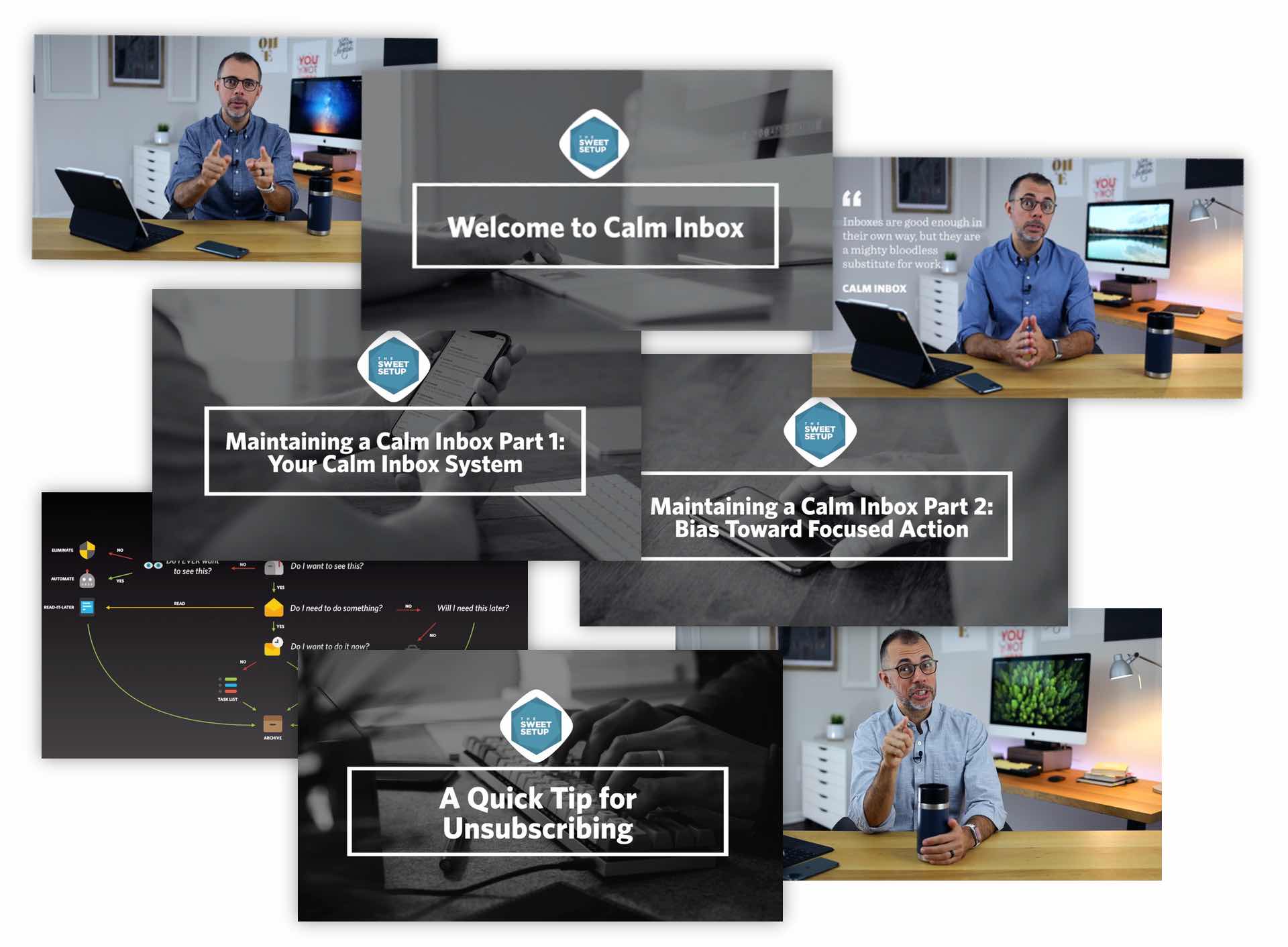
More than 50 lessons and screencasts. Show your email who's boss. Get your Calm Inbox system set up, reclaim hours of your life every day, and develop your bias toward focused action.
📺 What is a Calm Inbox? There is more to work than checking the inboxes.
📺 What Inboxes Need to be Calmed? Let’s define “inbox” so you can think beyond just email.
📺 Why is a Calm Inbox So Important?Because: focus, productivity, creativity, and being present in the moment.
📺 The Truth About Inbox Zero If your only goal is Inbox Zero, you’re doing it wrong.
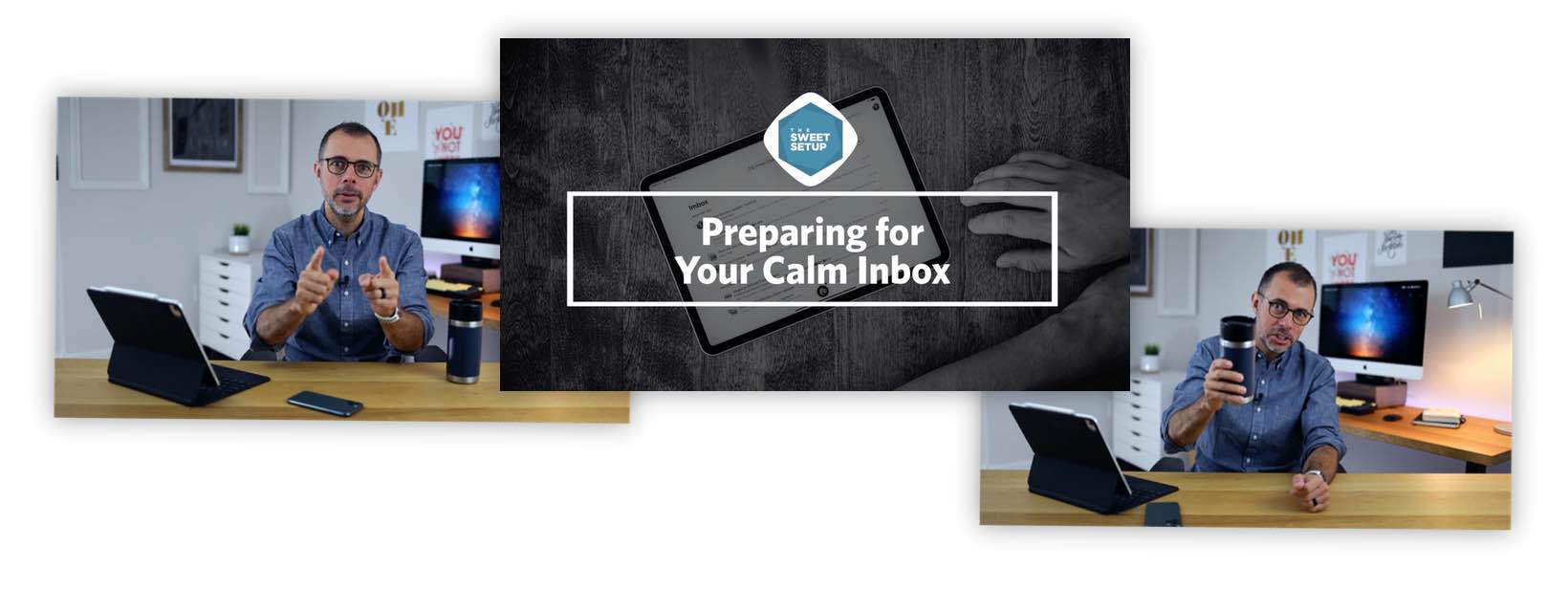
📺 Preparing for Your Calm Inbox The starting point so you can get ahead of the crazy.
📺 Efficient AND Effective For maximum email productivity, you need to be both fast and intentional.
📺 Priority, Not Priorities You must choose to focus.
📺 The Ideal Email Folder Structure A complex, multi-hierarchical email structure slows you down.
📺 Four Classes of Senders Not everyone who emails you deserves your time and attention.
📺 Module Two Review Ensuring you've got everything prepared.
📺 Six Types of Emails Not all emails are of equal value and importance.
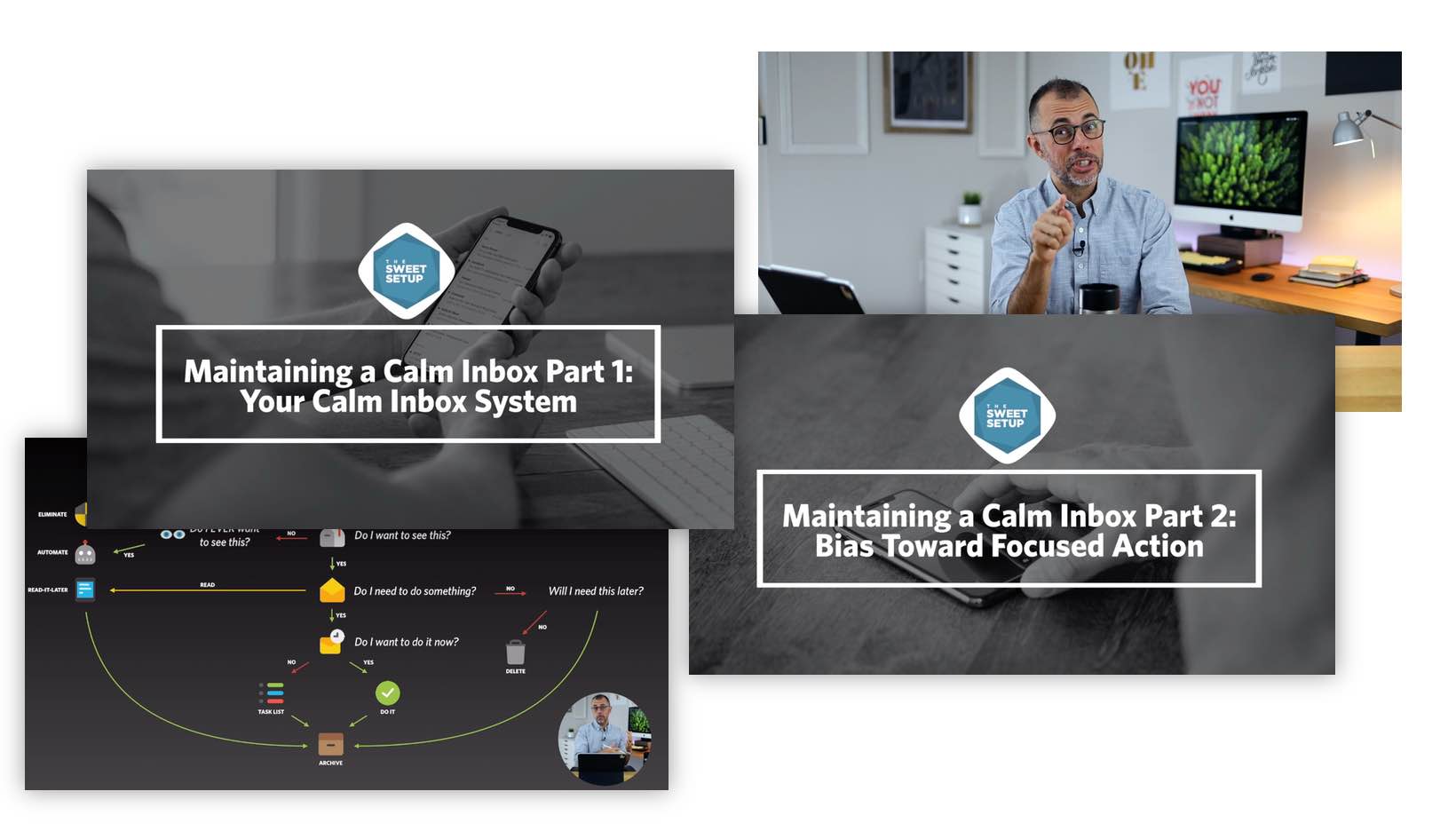
📺 Setting Up Your Calm Inbox It’s time to live that Calm Inbox Life.
📺 Maintaining a Calm Inbox Part 2: Bias Toward Focused Action What this is really all about: Your focus on creating.
📺 Maintaining a Calm Inbox Part 1: Your System A walkthrough of the email buckets you need to set up and why.
📺 Seven Tips for Eliminating Inbox Addiction How to stop the “just checks” and keep your bias toward action.
📺 Using Email Rules to Save Your Life Your secret weapon for saving time and energy.
📺 The Best Way to Handle Email on Your Phone Turning a distraction-prone device into a productivity tool.
📺 Email Lessons from Napoleon How to get smarter and better at your email triage.
📺 Keeping a Calm Inbox in the Midst of a Chaotic Company Culture: What if your boss expects you to be on email 24/7?
📺 Everything Requires Maintenance Alas, you cannot set it and forget it.
📺 Living Without Regret in the Age of Distraction Course wrap-up and conclusion. Thank you.
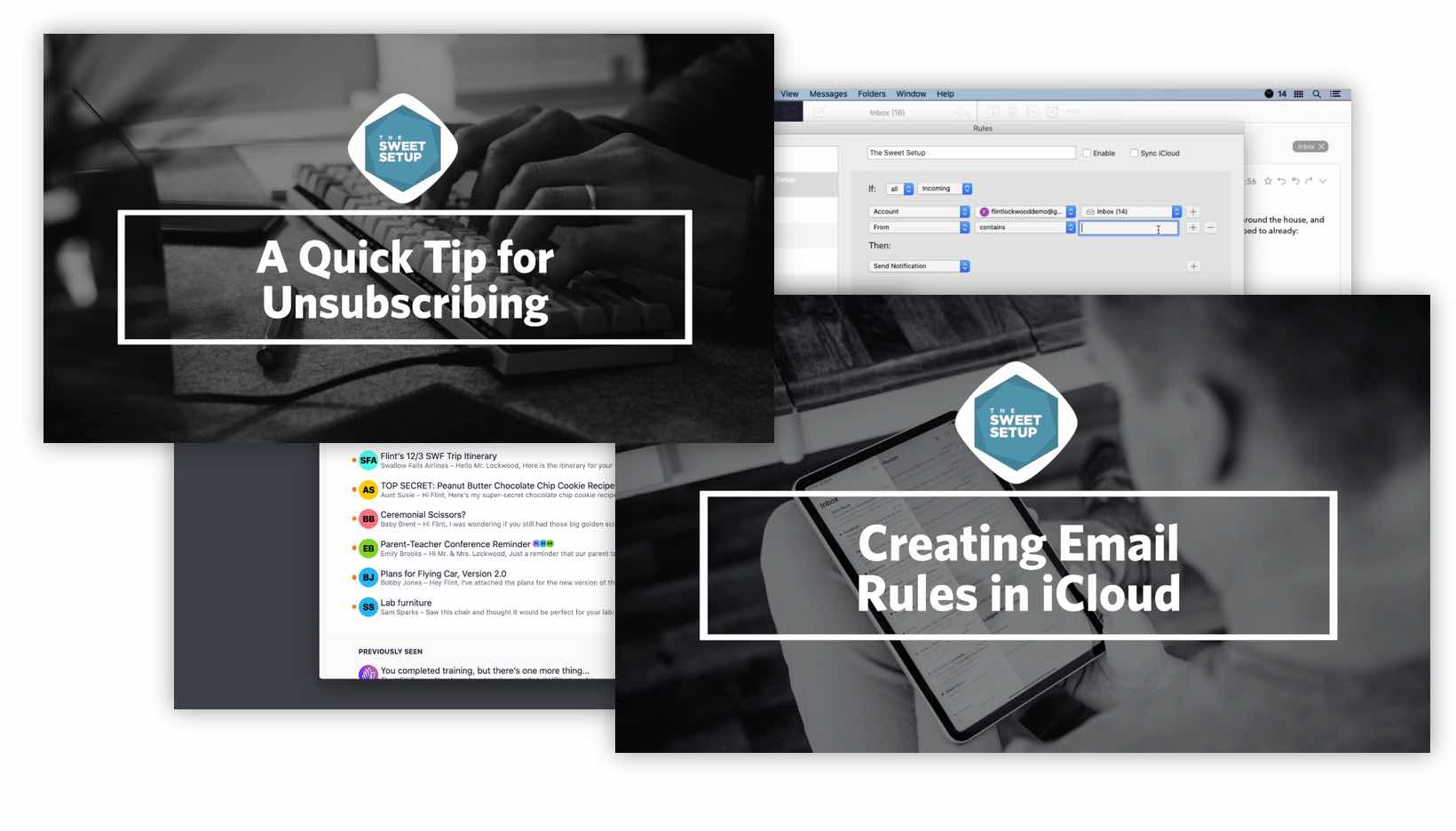
The vault is insane. For one, it’s packed with a whole slew of technical guides and tutorials that show you all the nerdy ins and outs for making your email app better and smarter. But more than that… we have screencasts for every single popular email app or client that you can think of: Apple Mail, Spark, Postbox, Gmail, SaneBox, MailMate, Airmail, and Hey.
🖥 Create Email Rules (Six Videos)
🖥 Find Important Info in Your Email (Two Videos)
🖥 Eliminate Unwanted Email (Two Videos)
🖥 Wrangle Notifications for Less Distractions (Four Videos)
🖥 How to Handle Email Tasks (Five Videos)
🖥 Time-Saving and Clever SaneBox Stuff(Six Videos)
🖥 Set up Custom Swipe Gestures (Four Videos)

Your access to Calm Inbox includes the following:
✓ Downloadable HD video files for offline viewing.
✓ Transcripts of all video lessons.
✓ Lifetime access.
✓ 30-day, money-back guarantee.
Press the button below to get instant access to all 50 of the course videos...

"I just finished the Calm Inbox course and holy crap was this helpful! I’ve always struggled with email, and since starting my YouTube channel it’s only gotten worse. This course really helped me rethink the way I handle email."
Christopher Lawley / Apple Tech Youtuber
$99
✓ 50+ Video lessons and Screencasts
✓ Lifetime Access
✓ 30-Day Money Back Guarantee
Online membership community
✓ Get access to Calm Inbox PLUS our entire course library
✓ FREE LIFE DESIGN BLUEPRINT shipped straight to you
✓ Entire Course Library ($2,400)
✓ Resource Vault: Templates, Tools, & Workflows
✓ BONUS: Focus Pathways
✓ BONUS: Members-Only Workshops and Masterclasses
✓ Sign up for $49 for your first month ($99 / month after that, cancel anytime)
If you answer yes to any of the following statements, then Calm Inbox is for you:
You want to eliminate time-wasting emails from your day.
You are frustrated at trying to stay on top of it all (not just email, but also social media and news).
You want a more disciplined way to keep your inbox clean.
Though you know all the best apps and the workflows... email still feels like an endless chore.
Are you tired of always running behind, instead of being able to focus on doing your real work?
You don’t yet have a helpful or useful system for organizing your emails for things such as responding later, reading later, or keeping for later use.
You look at your email inbox and see that it just has way too much clutter and there’s no fast, easy way to sift it out. Does that stuff even belong there any more?
Yes! You get 30 days to check out the class, which is more than enough time to go through all the material. If, for any reason, you’re not completely satisfied just let us know and we’ll be glad to give you a full refund.
You will get:
Immediate access to all the content as soon as you sign up. The course website is easy to use and navigate, and looks great on desktop, iPad, and iPhone.
Downloadable videos in HD format for offline viewing.
Full-text, professionally-edited transcripts for each video.
Yes! Absolutely. The core ideas taught in Calm Inbox are "platform agnostic" and it doesn't matter which apps or devices you use.
All of us here at The Sweet Setup. Our goal is to help you make the most of your time and attention. We do this by researching the very best apps for your Mac, iPad, and iPhone. But we also know a LOT about workflows, staying focused, and best practices. That’s why we’re visited by 500,000 readers every month.
With Calm Inbox, we'll teach you how to become the boss of your email, eliminate dual focus, save time, and just genreally get rid of the anxiety that comes with an overflowing and overwhelming inbox.
Fantastic! If you are a power user then you might already know about some of the things we share in this course. But also, as a power user, then it means you know how much impact one new idea or “trick” can do for improving your regular workflows.
The more familiar you are with a particular tool, and the more frequently you use it, then the greater the return will be from just one single improvement to your workflow and productivity.
With how much you interact with email and social media each day, imagine how many hours you'll save even with one positive shift toward your productivity and focus.
Please take a month to check out the Calm Inbox Course. If, for any reason, you’re not completely satisfied just let us know and we’ll be glad to give you a full refund. No questions asked. It’s zero risk on your part.

Many folks have allowed the busywork of checking their email and scrolling their social media become a replacement for meaningful, focused work. It's time to take back control of your inbox and your focus.